


SimpleGpsTracker is a simple demo–oriented Android application that demonstrates a realistic end‑to‑end GPS tracking flow using a modern Kotlin stack.
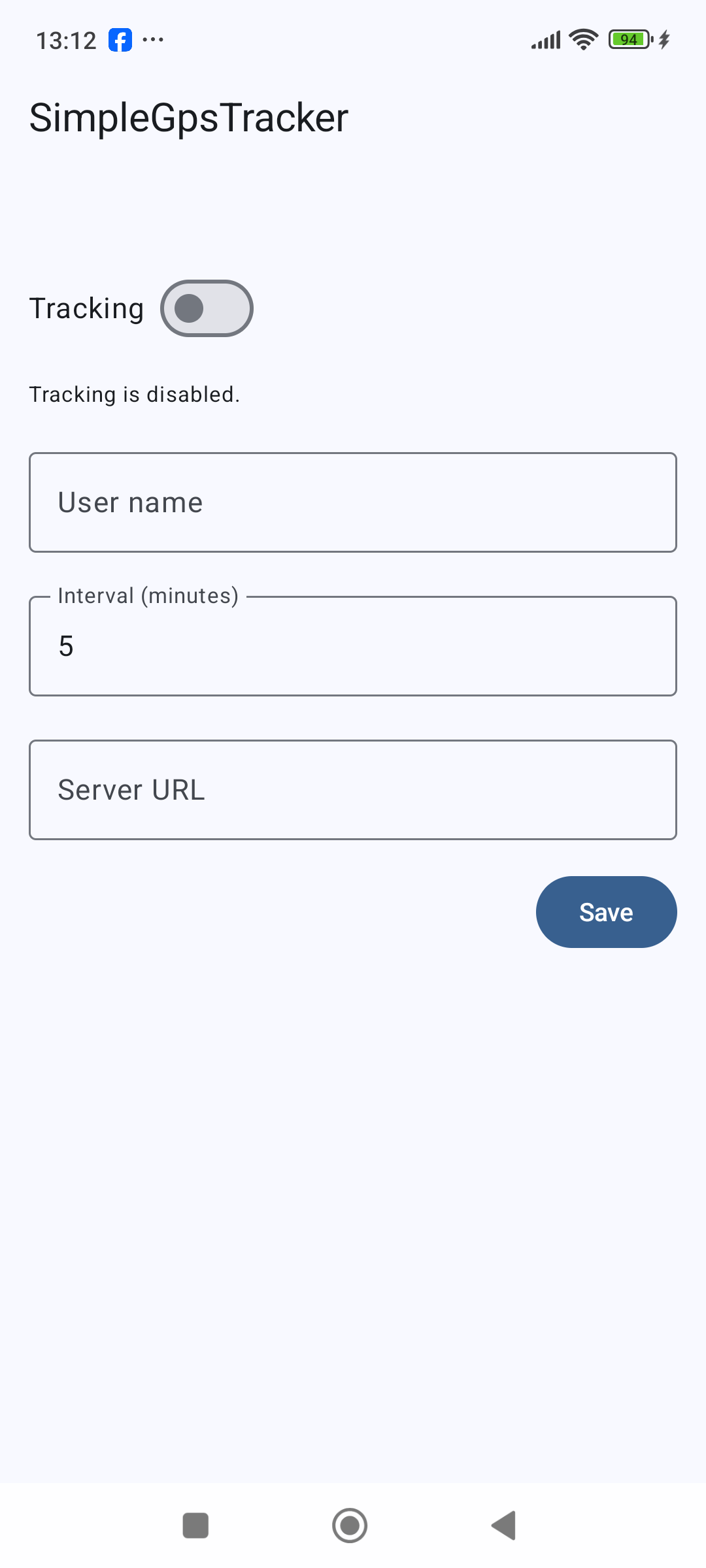
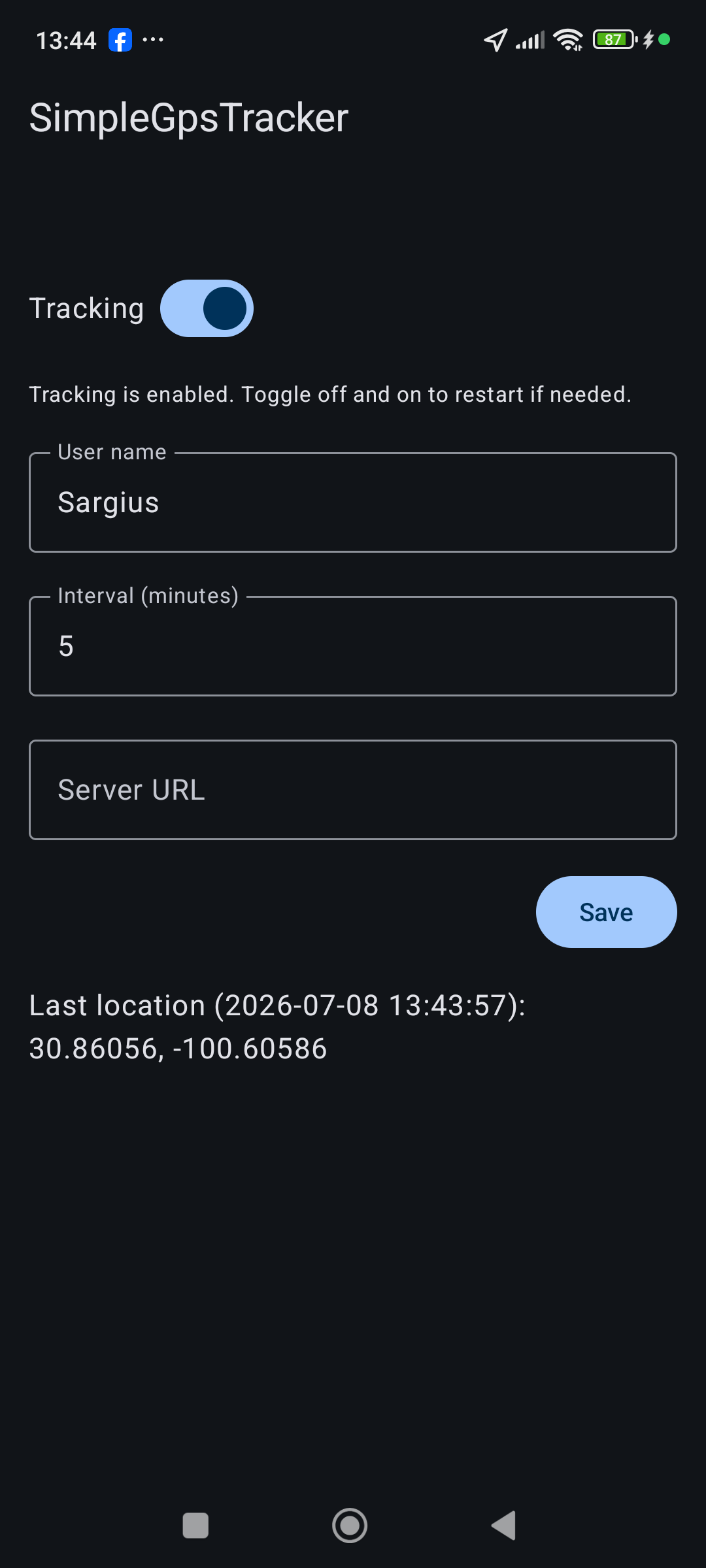
On the client side, the app uses a foreground service (with a persistent notification) and the Fused Location Provider to periodically capture location samples. Users can configure tracking on/off, the update interval, a friendly user name, and a base server URL (no hardcoded endpoints), so the app can be pointed at any compatible backend.
Each location is serialized to a LocationPayload JSON (deviceId, userName, latitude, longitude, accuracy, timestamp) and sent via Ktor HTTP client to {BASE_URL}/api/v1/locations. The UI is built with Jetpack Compose and displays the last sent coordinates and their timestamp, along with a simple status indication for tracking.
On the backend side (companion project SimpleGpsTrackerServer), a small Ktor server receives the payloads, logs them, and returns a JSON LocationResponse ({ "status": "ok", "message": "Location received" }). The server is containerized with Docker and deployed on Google Cloud Run, providing a clean, production‑like environment for the demo.
The project is structured into separate modules (app, core-domain, core-data) to highlight clean architecture practices: domain models and use cases, a data layer with repositories and Ktor client, and an app layer with UI, DI, and platform‑specific code.


Tech stack:
Language & UI
- Kotlin
- Jetpack Compose (Material 3)
Architecture & Modules
- Clean architecture
- Modules:
app,core-domain,core-data - ViewModel + StateFlow for UI state
Dependency Injection
- Hilt
Async & Data
- Kotlin Coroutines + Flow/StateFlow
- DataStore (Preferences) for settings (interval, base server URL, user name)
Location & Background
- Google Play Services Fused Location Provider
- Foreground Service with
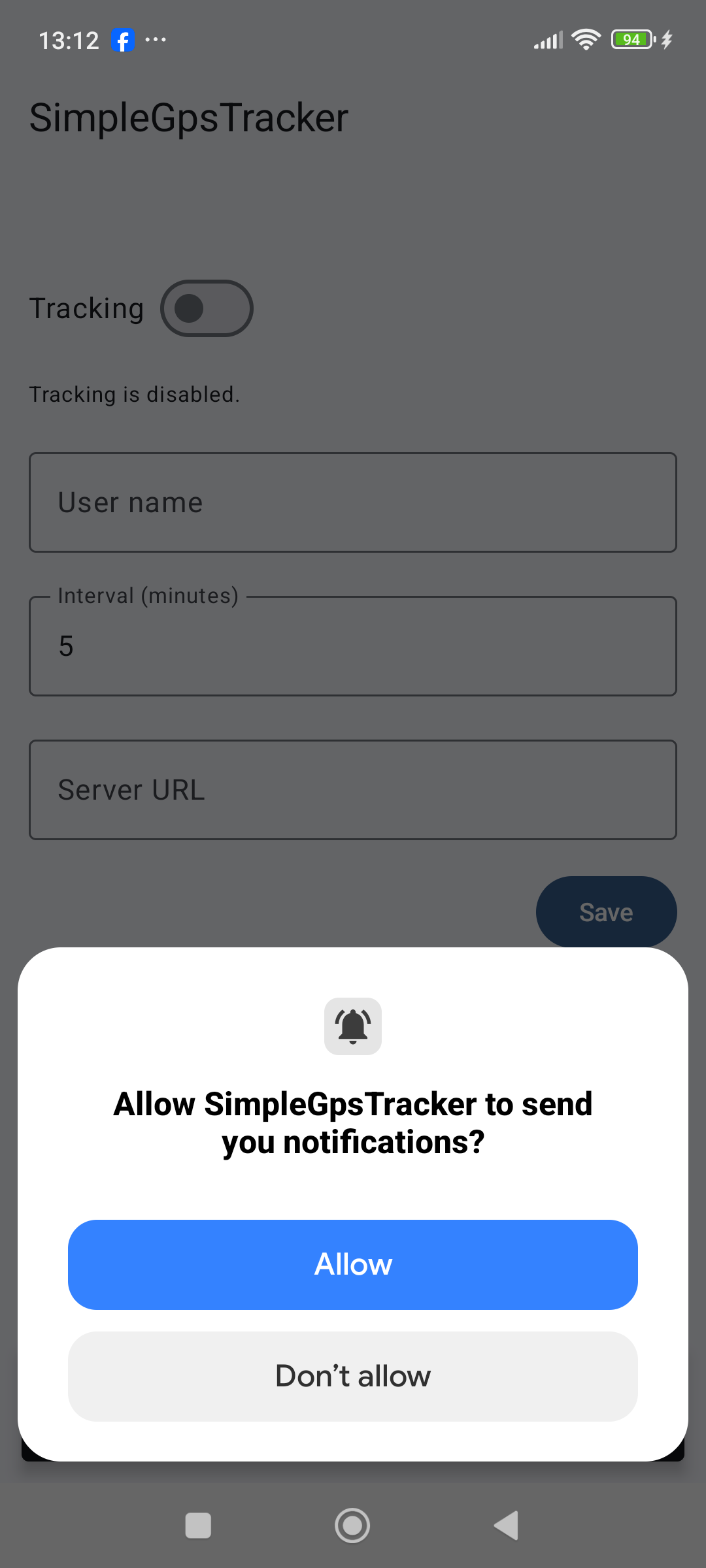
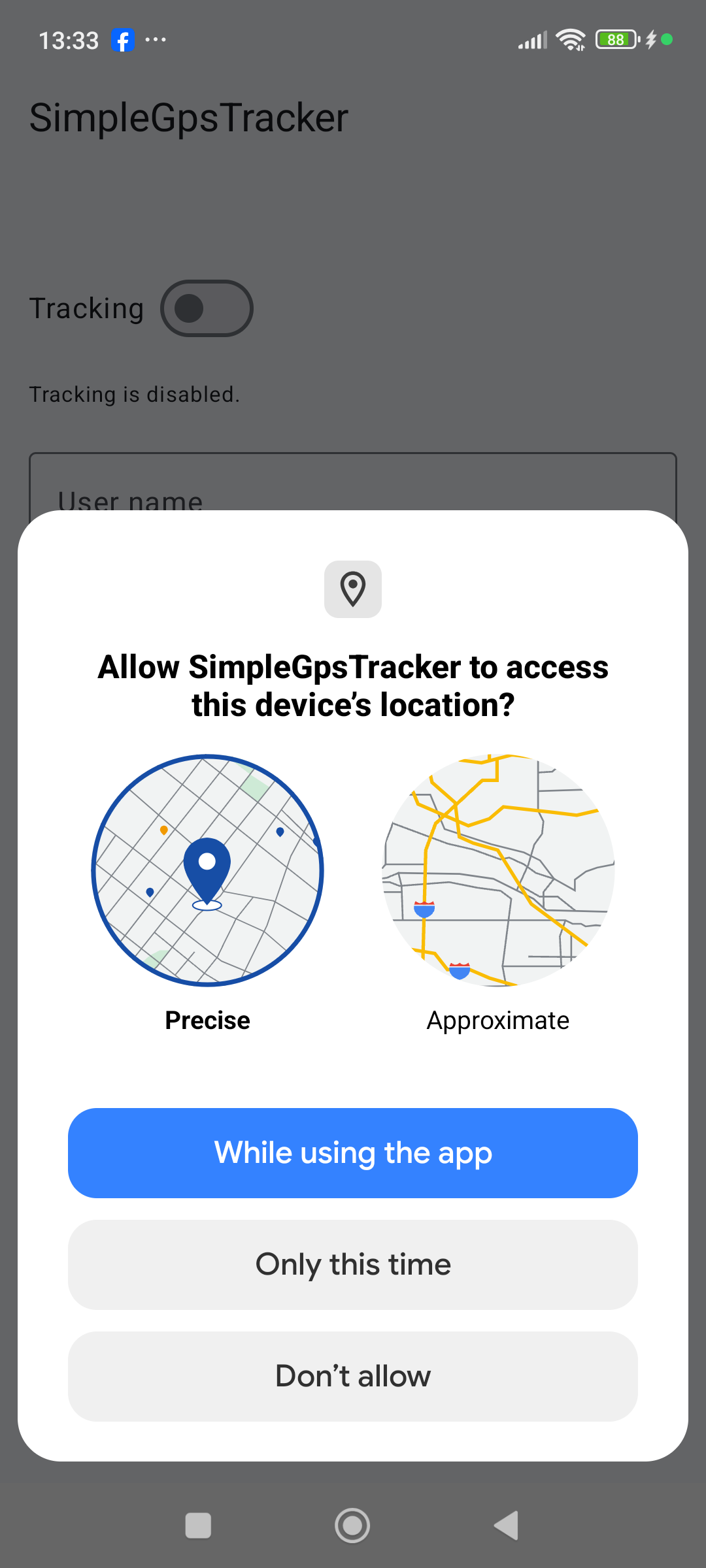
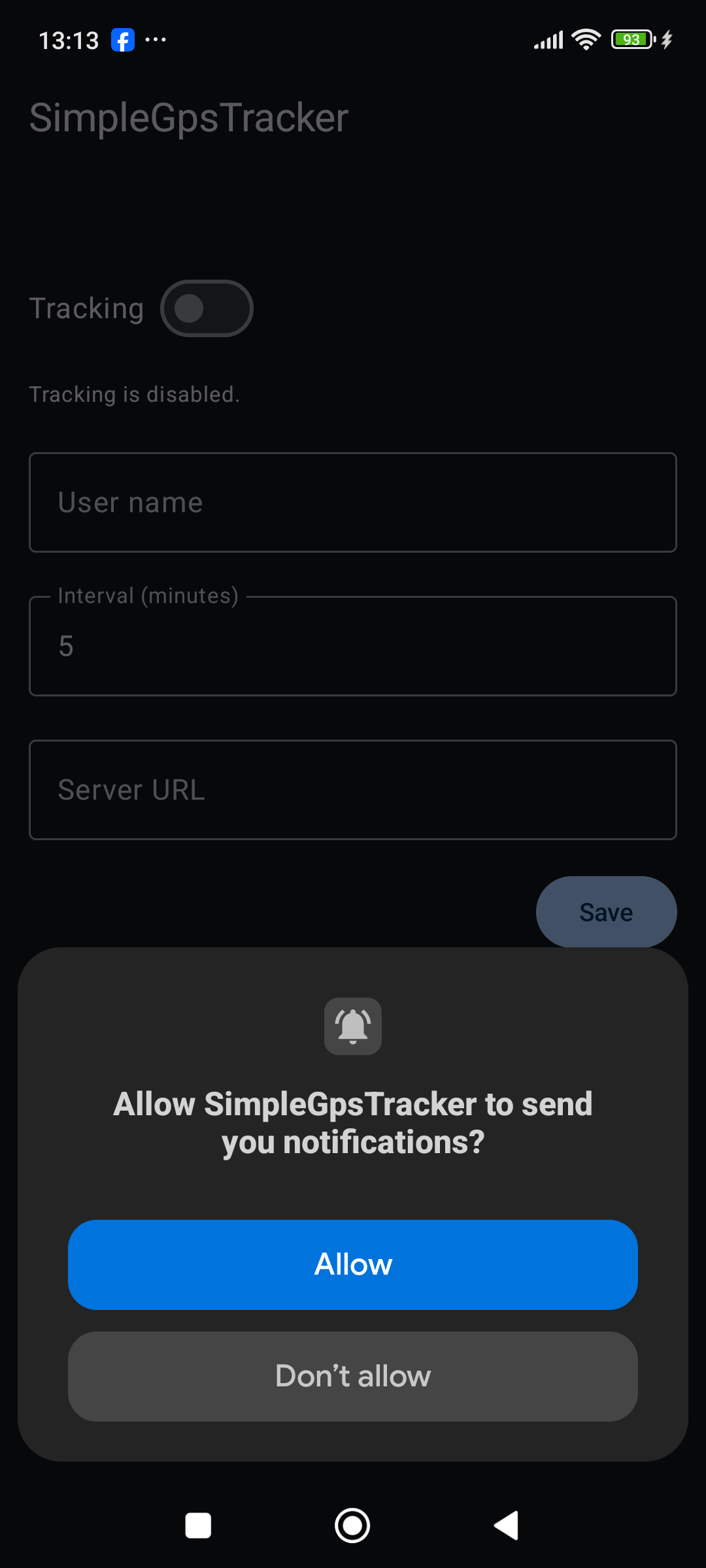
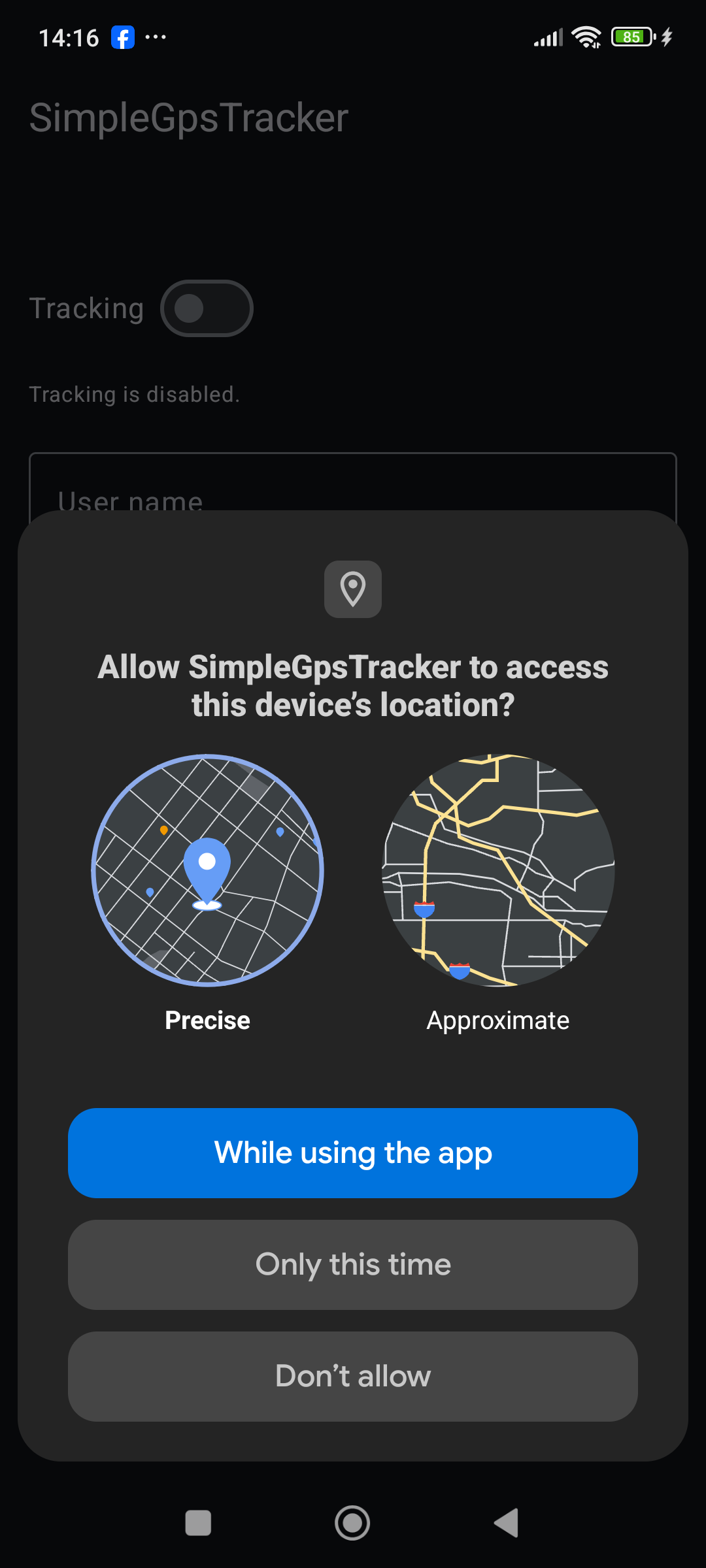
foregroundServiceType="location" - Android 13+ permission handling (location + notifications)
Networking
- Ktor HTTP client
- Kotlinx Serialization (JSON)
- Custom
LocationApi+KtorLocationApi
Backend (companion)
- Ktor server (Netty)
- Kotlinx Serialization
- Docker
- Google Cloud Run