


Pushes Test
About this app
Pushes Test: Professional Notification Testing Tool, built by a dev for devs.
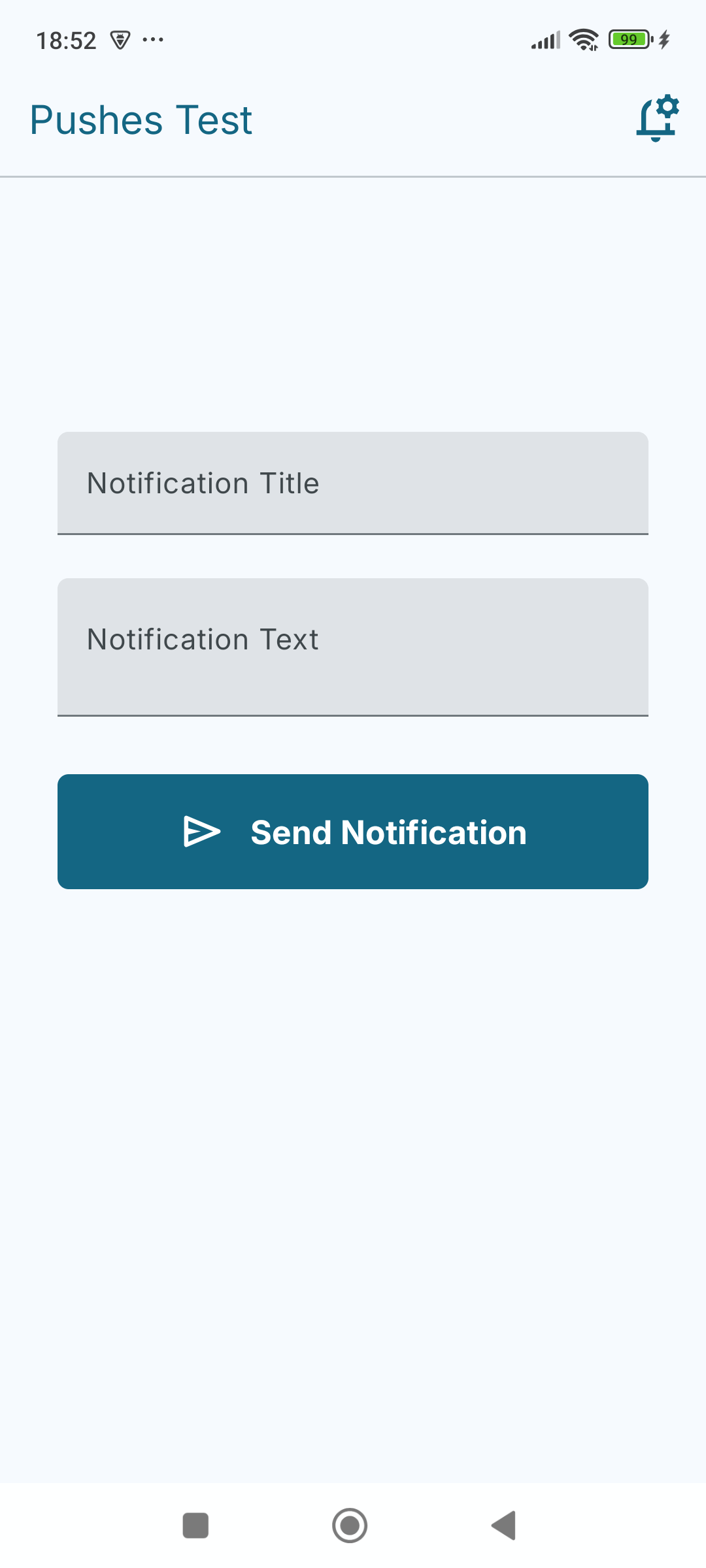
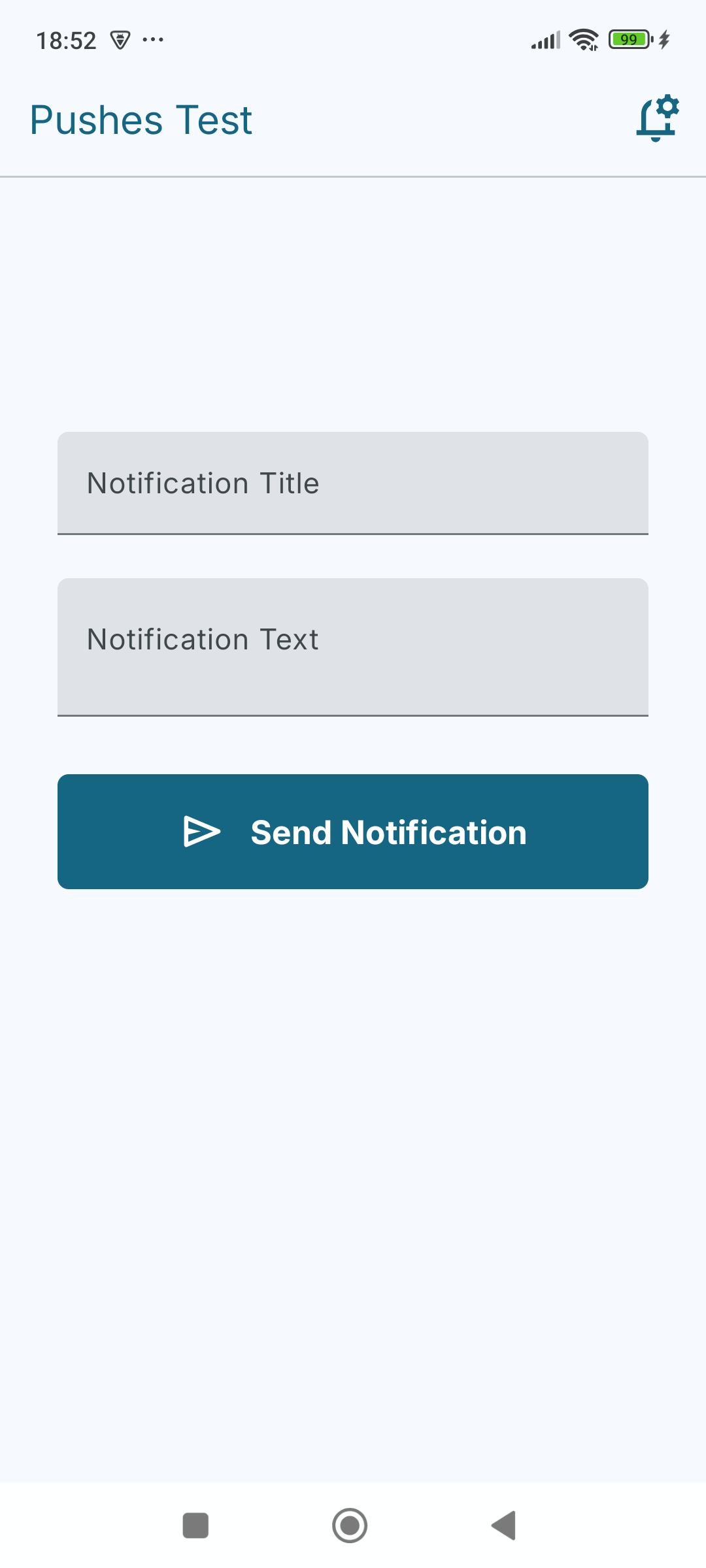
Verify your notification logic instantly on physical hardware — all without needing manual typing, a backend server, or a Firebase console!
 Why Developers Use Pushes Test:
Pushes Test is a professional D2D (Developer-to-Developer) utility designed specifically for Android engineers who need to emulate notifications on physical devices or master the nuances of the Notification API. This tool provides a high-fidelity local environment to verify exactly how the Android OS renders, groups, and prioritises different notification payloads. Built with a "Live Laboratory" philosophy, this app allows you to stress-test system behaviours, debug complex layouts, and verify high-priority interrupts across diverse hardware.
 Core Testing Capabilities:
 Comprehensive Behavioural Testing
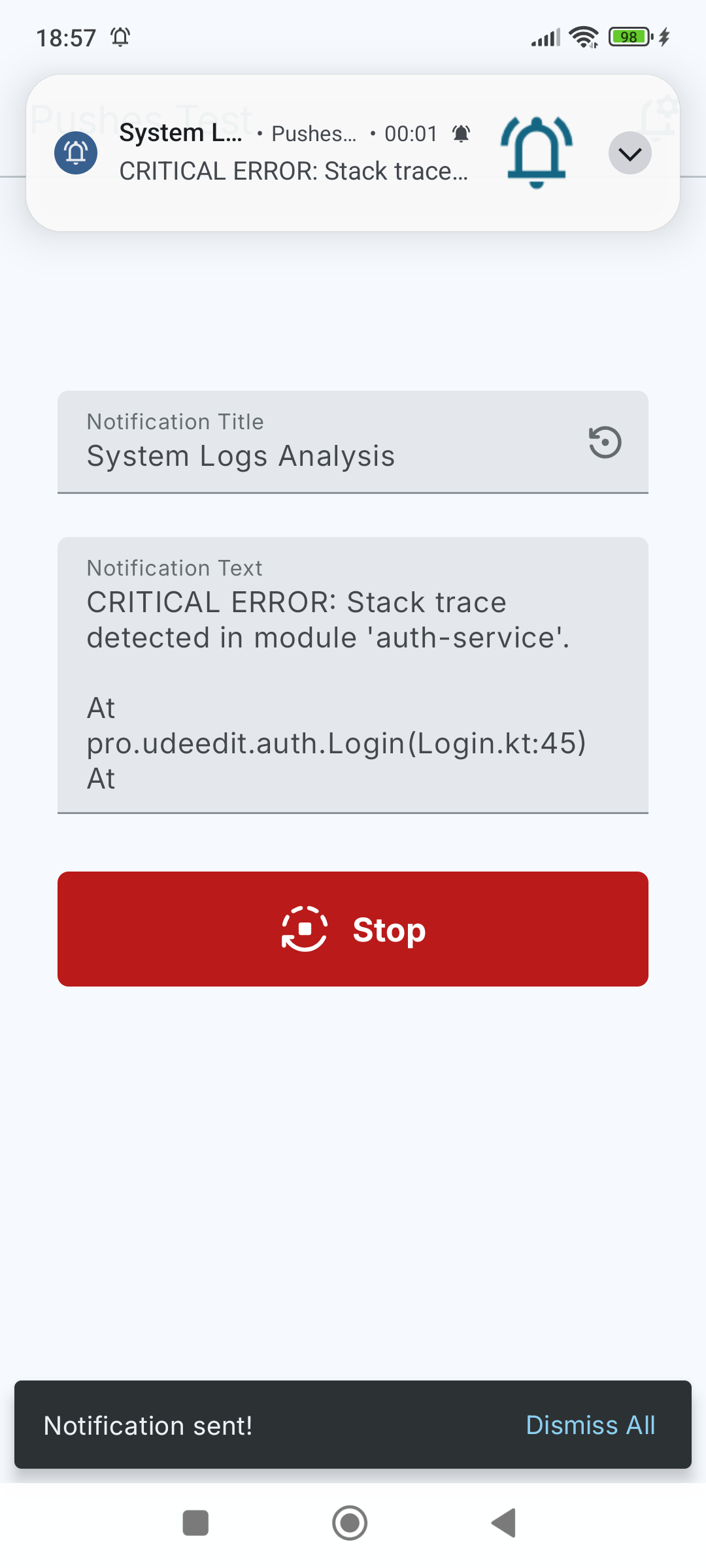
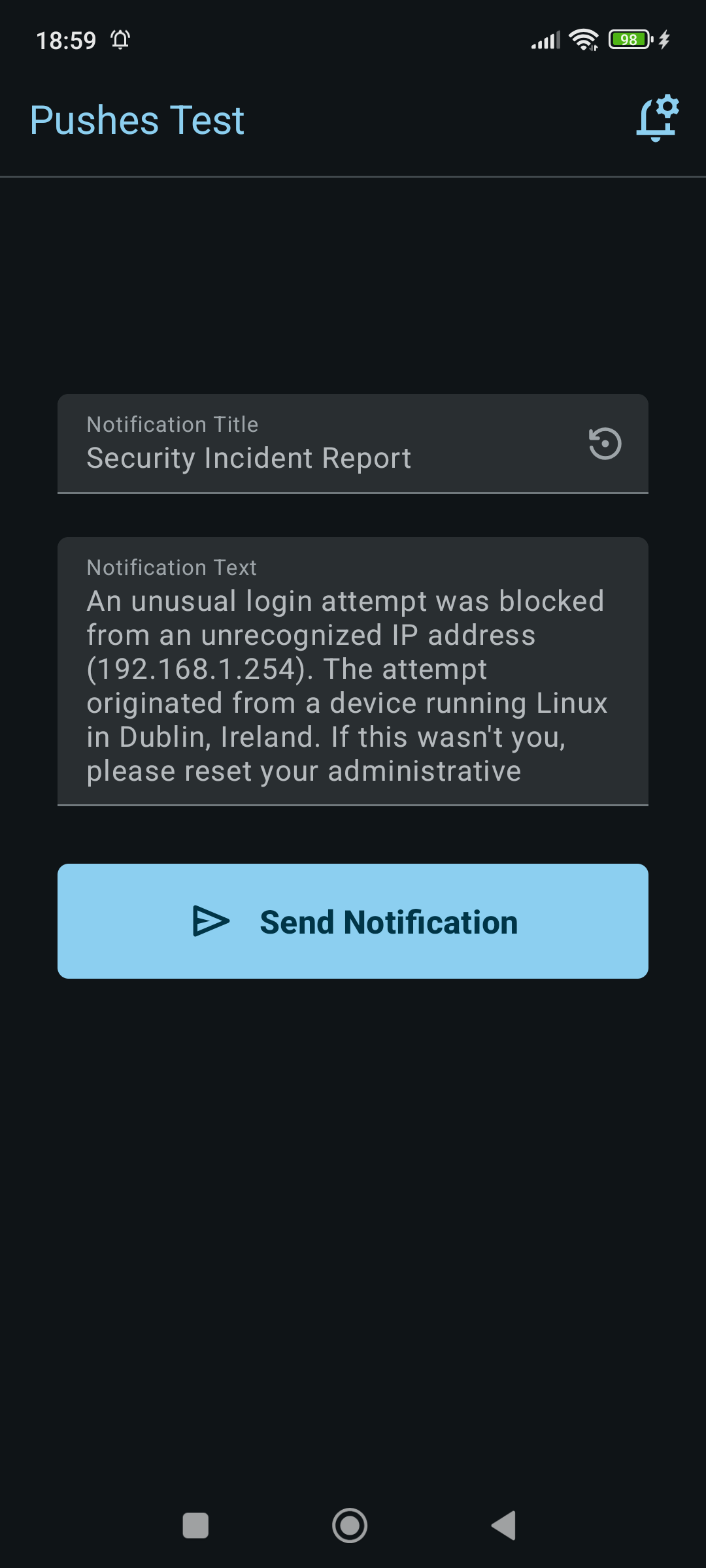
Smart Mock Data: Instantly populate notifications with realistic developer scenarios (GitHub PR-s, Server Alerts, Security Logs) to test content rendering.
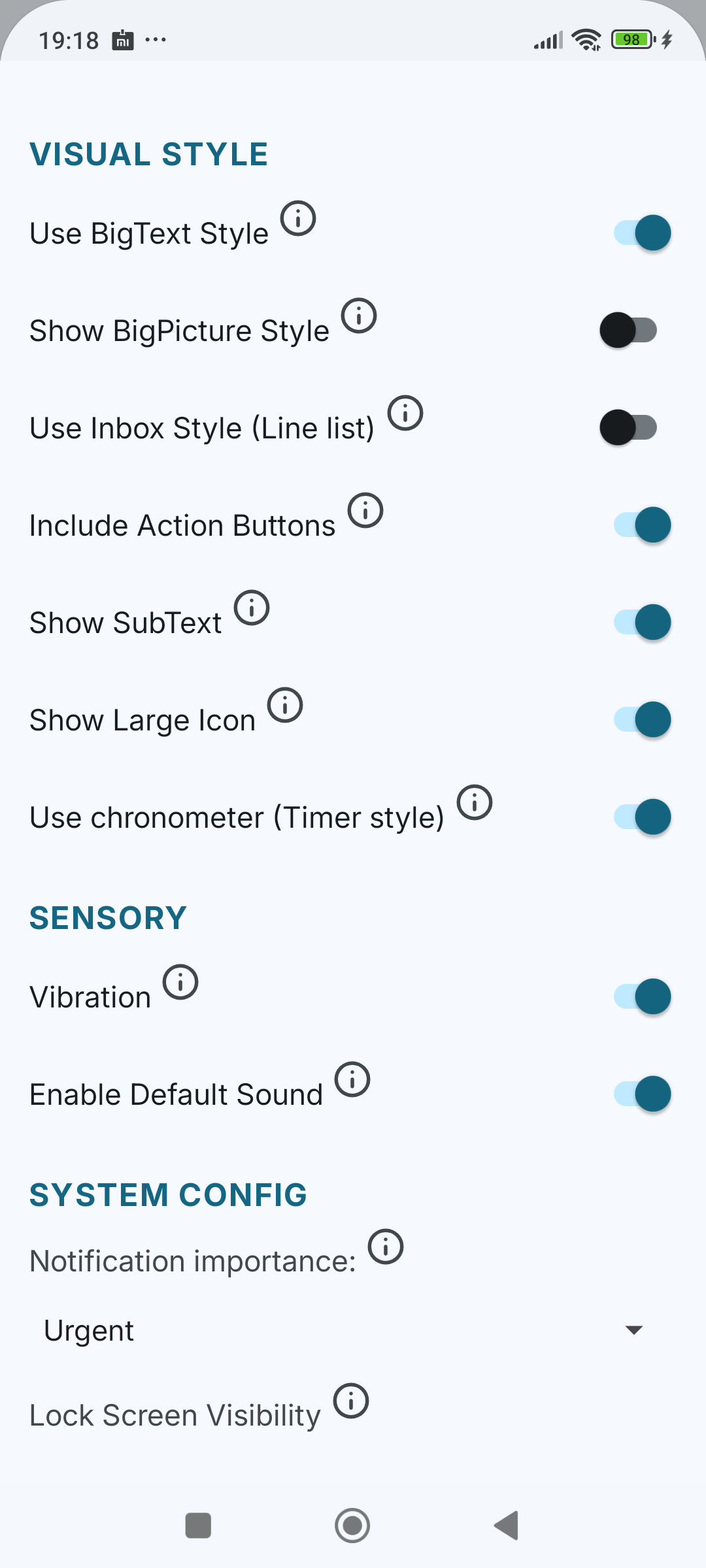
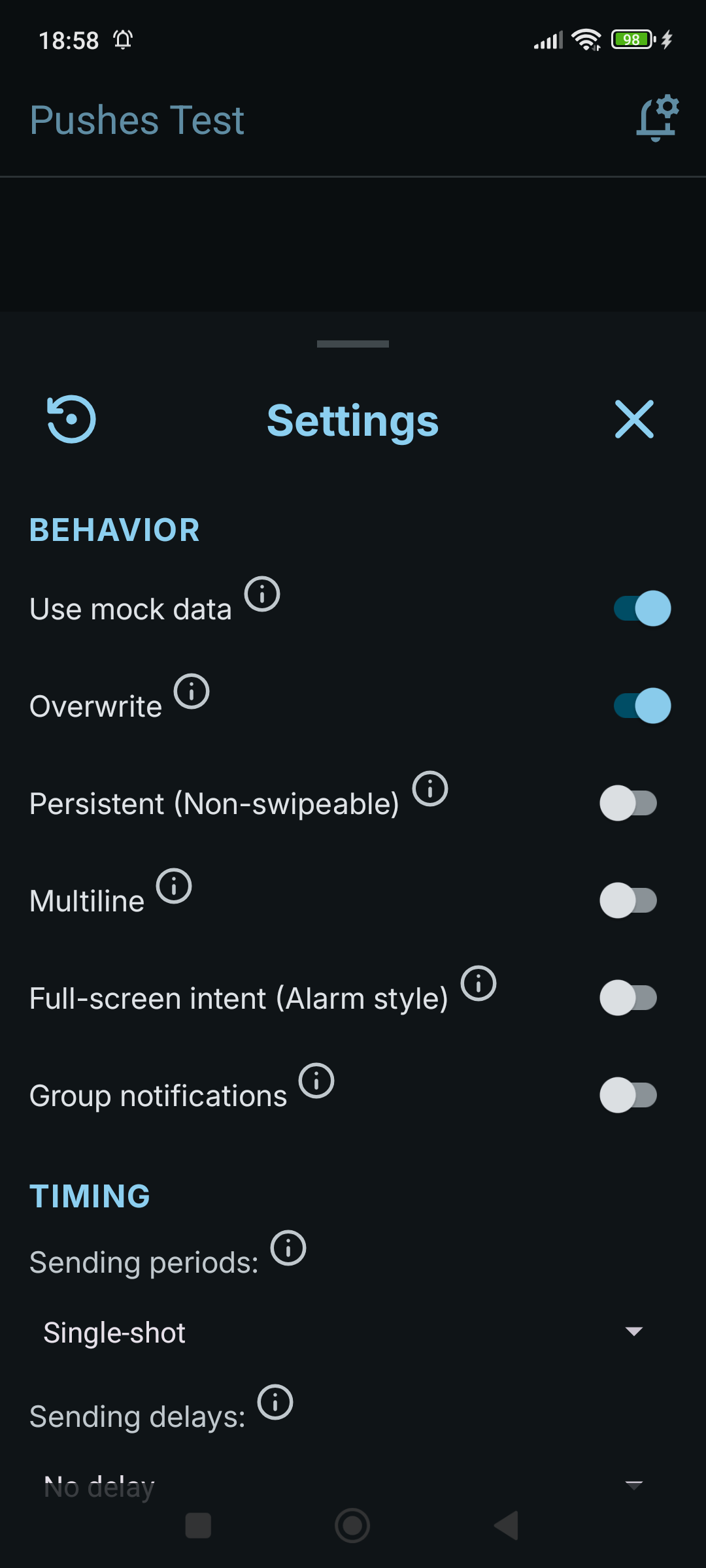
Sensory Controls: Verify "Silent" modes by toggling Sound and Vibration independently of system settings.
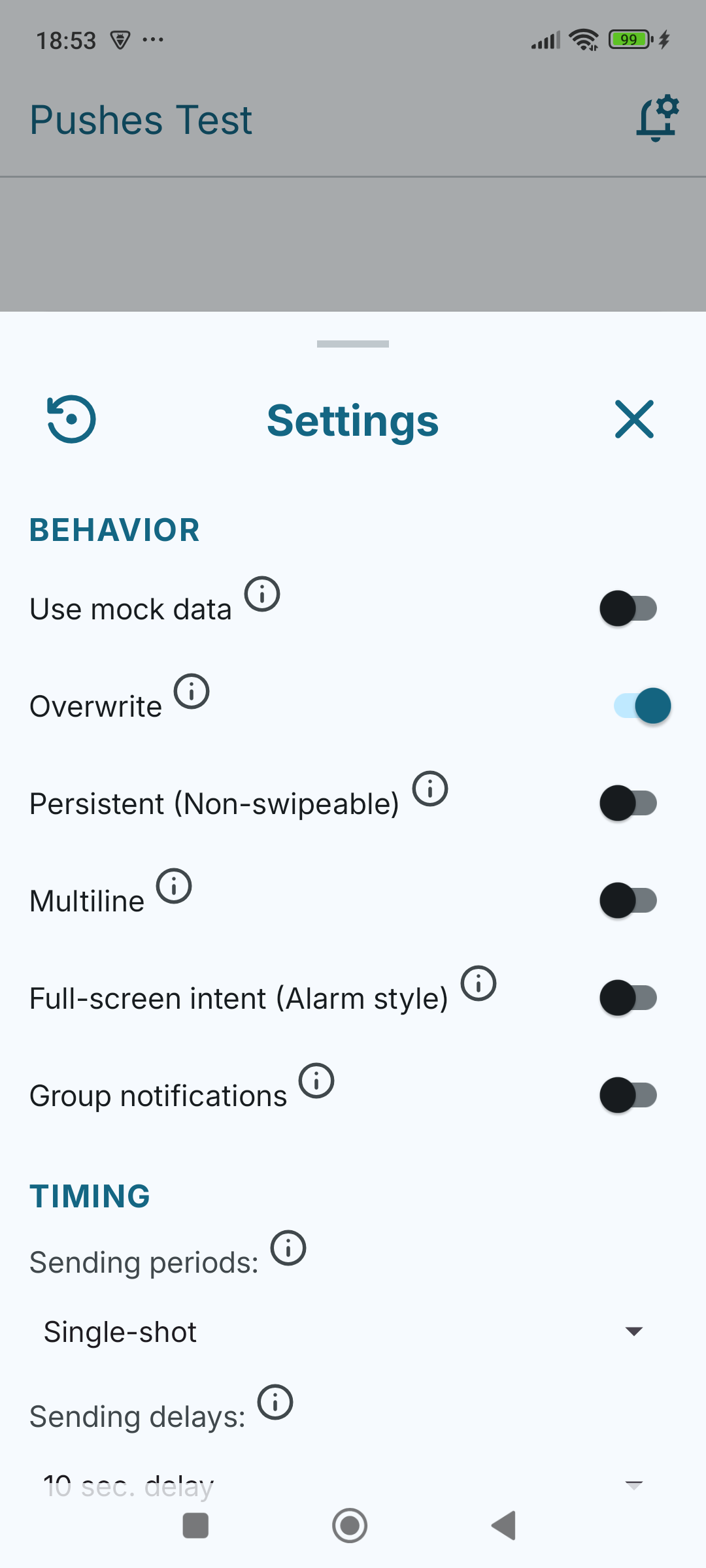
ID Logic: Toggle between "Overwrite" (fixed ID) and "Stacking" (unique IDs) to test how your device handles tray clutter and updates.
Bundling (Grouping): Trigger bundled notifications with a proper Group Summary to verify OS-level stacking logic.
Persistence: Test "Ongoing" flags to see how modern OS versions (Android 14+) handle non-swipeable alerts.
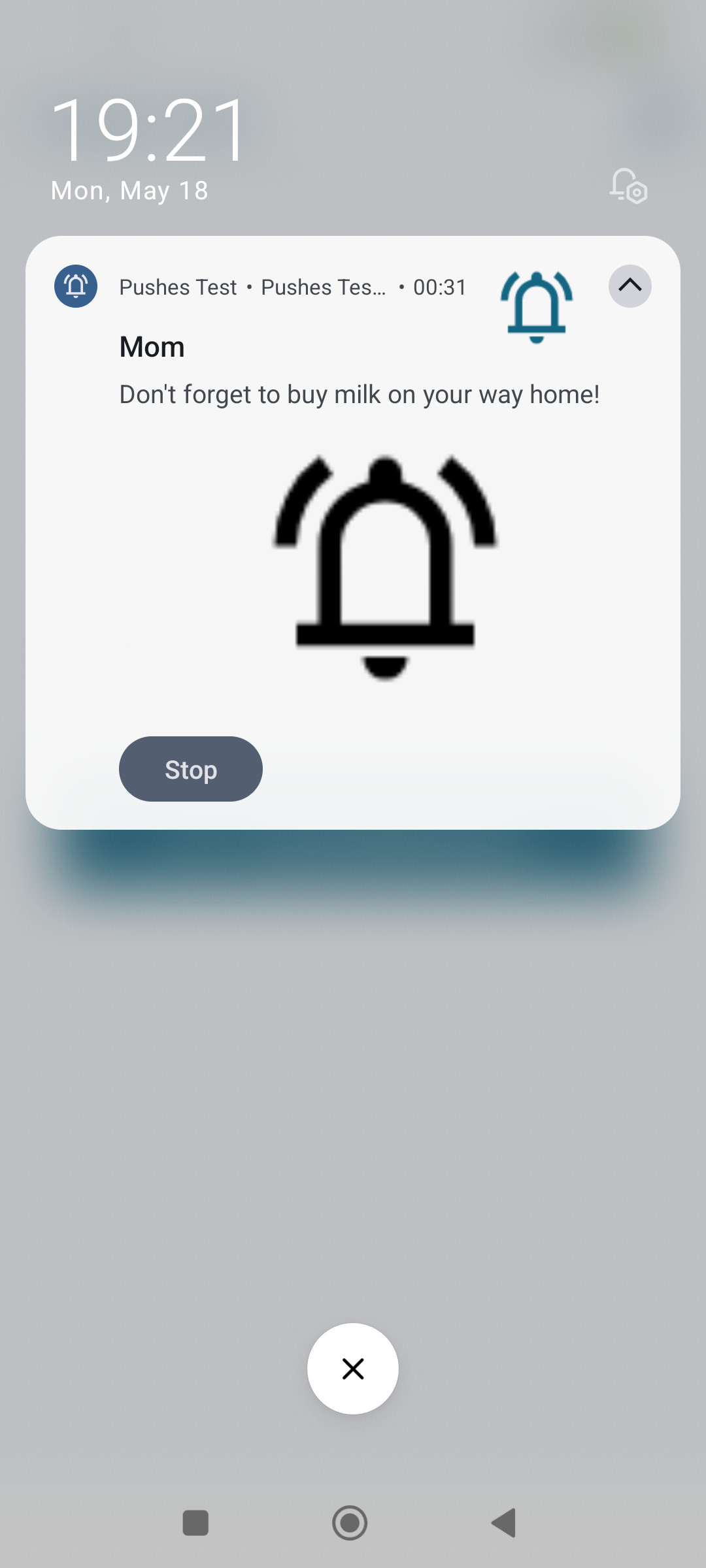
Full-Screen Intents: Verify high-priority "Alarm-style" interruptions (like VoIP calls) that wake the device and launch UI over the lock screen (Android 14+ compliant).
Chronometer: Add a live, system-managed timer to test active call or workout tracking UIs.
Stress & Timing Tests
Periodic Loops: Automate notification delivery at 10s, 30s, or 60s intervals to stress-test your system's listener, background handling, and device-specific throttling.
Delayed Delivery: Schedule pushes with custom delays to test device behaviour while the app is in the background, when the screen is off, or for "Do Not Disturb" exceptions.
Style & Layout Verification
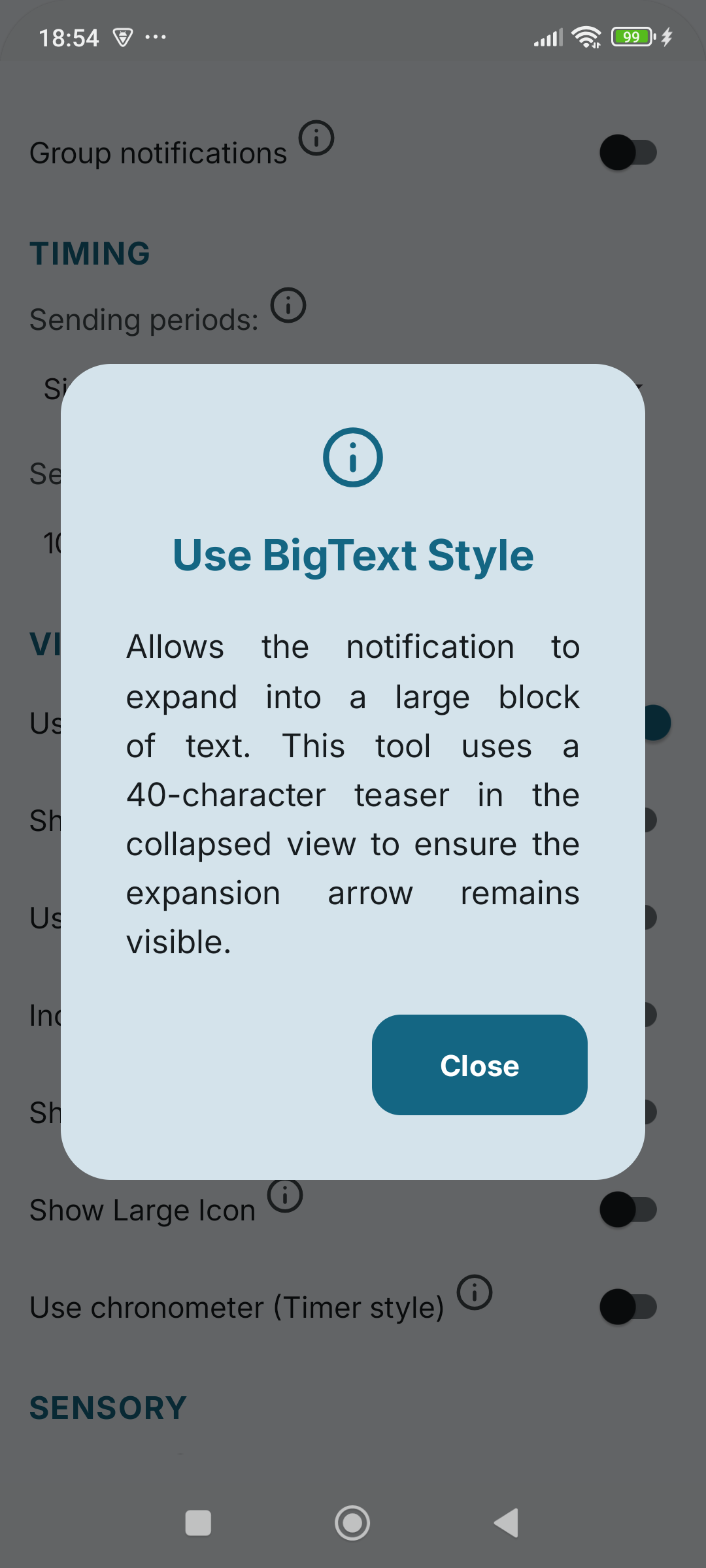
Expansion Testing: Verify BigTextStyle expandable blocks and BigPictureStyle hero images. Test our logic-driven 40/60-character teaser to ensure the system expansion arrow remains visible by applying proprietary truncation rules to the collapsed view.
Rich Header Metadata: Toggle SubText hints ("Expand for details") and App Name visibility to check header space constraints on your specific device.
Image Assets: Test LargeIcon and BigPicture rendering and placement. Verify that your XML vectors are correctly converted to Bitmaps to avoid system UI artefacts (including cross-OEM flips like Xiaomi's start-side icon logic).
Inbox Style: Simulate list-based notifications (Email/Chat summaries) with intelligent multi-line chunking.
 D2D (Developer-to-Developer) Standards
Privacy: Zero data collection. No analytics, no ads, no trackers. We respect your workspace.
Open Source: Use it to test your device, or read the source code to understand how to implement these features in your own apps.
GitHub: https://github.com/UDeedIt/PushesTest
 Permissions
POST_NOTIFICATIONS: To display test notifications.
USE_FULL_SCREEN_INTENT: To test alarm-style interruptions.
VIBRATE: For haptic feedback.
 Support & Community
This is a developer-to-developer utility. If it saves you an hour of debugging, consider it a success! For bug reports, feature suggestions, or to explore the codebase, visit our GitHub repository.
Verify your notification logic instantly on physical hardware — all without needing manual typing, a backend server, or a Firebase console!
Why Developers Use Pushes Test:Pushes Test is a professional D2D (Developer-to-Developer) utility designed specifically for Android engineers who need to emulate notifications on physical devices or master the nuances of the Notification API. This tool provides a high-fidelity local environment to verify exactly how the Android OS renders, groups, and prioritises different notification payloads. Built with a "Live Laboratory" philosophy, this app allows you to stress-test system behaviours, debug complex layouts, and verify high-priority interrupts across diverse hardware.
Core Testing Capabilities: Comprehensive Behavioural TestingSmart Mock Data: Instantly populate notifications with realistic developer scenarios (GitHub PR-s, Server Alerts, Security Logs) to test content rendering.
Sensory Controls: Verify "Silent" modes by toggling Sound and Vibration independently of system settings.
ID Logic: Toggle between "Overwrite" (fixed ID) and "Stacking" (unique IDs) to test how your device handles tray clutter and updates.
Bundling (Grouping): Trigger bundled notifications with a proper Group Summary to verify OS-level stacking logic.
Persistence: Test "Ongoing" flags to see how modern OS versions (Android 14+) handle non-swipeable alerts.
Full-Screen Intents: Verify high-priority "Alarm-style" interruptions (like VoIP calls) that wake the device and launch UI over the lock screen (Android 14+ compliant).
Chronometer: Add a live, system-managed timer to test active call or workout tracking UIs.
Stress & Timing TestsPeriodic Loops: Automate notification delivery at 10s, 30s, or 60s intervals to stress-test your system's listener, background handling, and device-specific throttling.
Delayed Delivery: Schedule pushes with custom delays to test device behaviour while the app is in the background, when the screen is off, or for "Do Not Disturb" exceptions.
Style & Layout VerificationExpansion Testing: Verify BigTextStyle expandable blocks and BigPictureStyle hero images. Test our logic-driven 40/60-character teaser to ensure the system expansion arrow remains visible by applying proprietary truncation rules to the collapsed view.
Rich Header Metadata: Toggle SubText hints ("Expand for details") and App Name visibility to check header space constraints on your specific device.
Image Assets: Test LargeIcon and BigPicture rendering and placement. Verify that your XML vectors are correctly converted to Bitmaps to avoid system UI artefacts (including cross-OEM flips like Xiaomi's start-side icon logic).
Inbox Style: Simulate list-based notifications (Email/Chat summaries) with intelligent multi-line chunking.
D2D (Developer-to-Developer) StandardsPrivacy: Zero data collection. No analytics, no ads, no trackers. We respect your workspace.
Open Source: Use it to test your device, or read the source code to understand how to implement these features in your own apps.
GitHub: https://github.com/UDeedIt/PushesTest
PermissionsPOST_NOTIFICATIONS: To display test notifications.
USE_FULL_SCREEN_INTENT: To test alarm-style interruptions.
VIBRATE: For haptic feedback.
Support & CommunityThis is a developer-to-developer utility. If it saves you an hour of debugging, consider it a success! For bug reports, feature suggestions, or to explore the codebase, visit our GitHub repository.
Tech stack: Kotlin, Jetpack Compose, Material Design 3 (M3), MVVM Architecture, Android Notification API (Channels, BigTextStyle, BigPictureStyle, InboxStyle, Full-screen Intent, Chronometer), ViewModel, State-driven UI (MutableState), CushyStorage (Internal Persistence Module), Anarchist (Internal Permission Module), GitHub Actions (CI/CD), JUnit 4, Mockito, Compose UI Testing, Gradle Kotlin DSL, Version Catalogs (TOML), Inter Font Family.